

Joinery with the Shaper Origin
April 11 @ 1:00 pm - 3:00 pm
$50.00
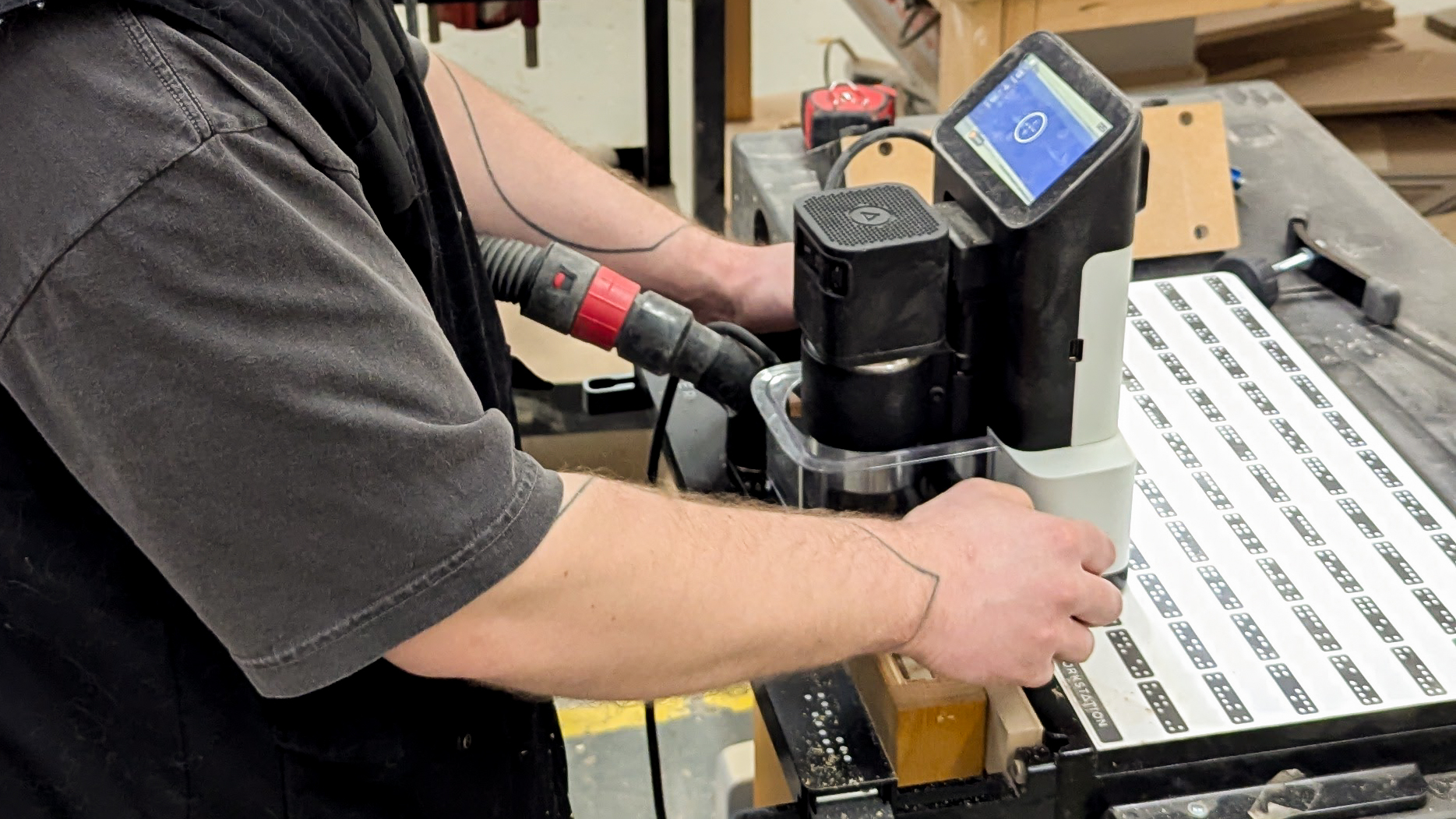
Learn how to create precise, professional joinery using the Shaper Origin!
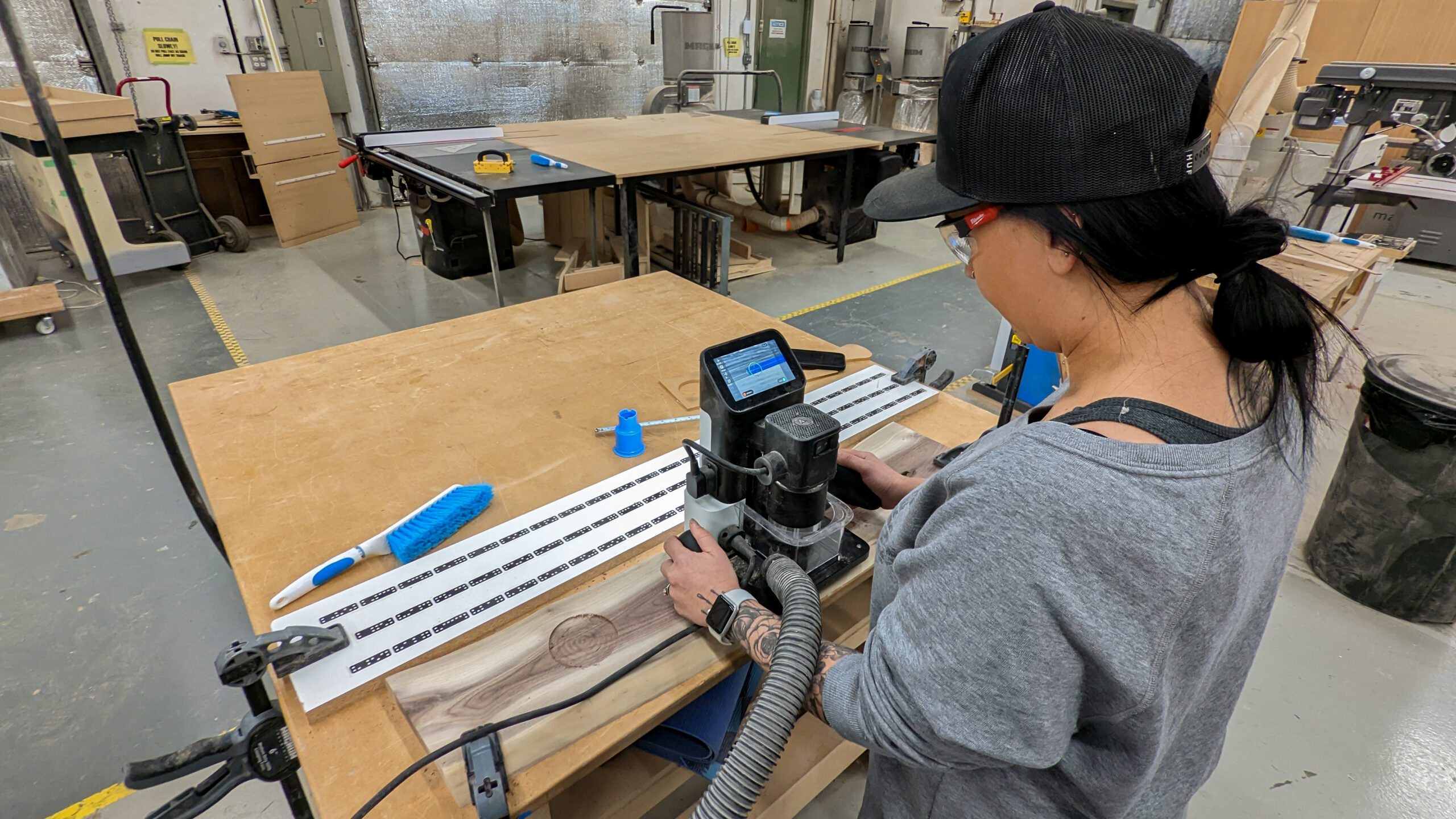
This demo-focused workshop introduces you to one of the most versatile digital fabrication tools in the woodshop. Adam will walk you through how to design and cut a variety of joinery features, including rounded tenons and other custom-fit joints, using the Shaper Origin.
Whether you’re looking to improve accuracy, explore digital workflows, or expand your woodworking capabilities, this session will give you a solid understanding of what’s possible with handheld CNC technology.
Class Details
Duration: 2 hours – please arrive 10 minutes before the start time
Session Format: Live demonstration with guided explanation and Q&A
Difficulty: Beginner to Intermediate
Age: 14+
During this workshop you will learn:
- How the Shaper Origin works and what makes it unique
- Basic workflow from design to cut
- Techniques for creating clean, repeatable joinery
- How to approach rounded tenons and other custom joints
- Tips for accuracy, setup, and best practices
Come to our workshop if:
- You’re curious about digital woodworking tools but don’t know where to start
- You want to improve the precision of your joinery
- You’re interested in combining traditional woodworking with modern technology
- You enjoy learning through live demos and seeing tools in action
FAQs
Do I need prior woodworking experience?
No experience is required. This session is beginner-friendly and focuses on understanding the tool and workflow.
Will I be using the Shaper Origin myself?
This is a demo-based class. You’ll learn through observation, explanation, and Q&A rather than hands-on use.
Is this class a prerequisite for using the Shaper Origin at Maker Cube?
Yes, it’s a great introduction if you’re considering incorporating it into your projects.
What should I bring?
Just yourself! If you have specific project ideas or questions, feel free to bring them for discussion.